Upper Menu
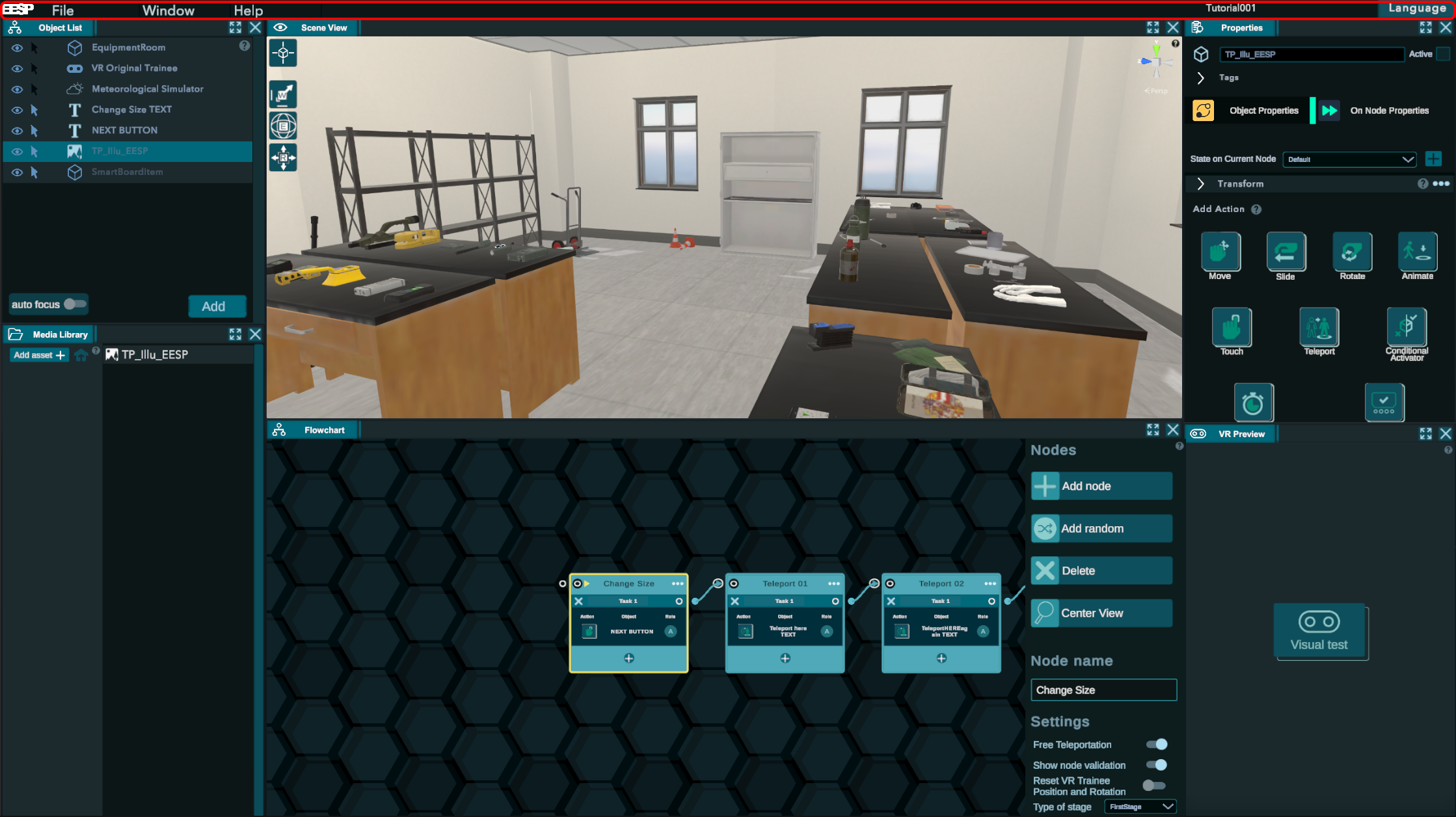
1. Files
Where you will manage the principals files option.
- Save: save on the current file.
- Save as: Create a new training base on your current file (Attention that means that the open training is not saved on the instance you are working on).
- Exit project: Exit the project and get back to the training selection menu.
- Exit EESP: Exit to desktop.
2. Window
Open new tabs inside the editor.
All necessary tabs are already opened on the first launch.
3. Help
Link to the documentation.
4. Name
Name of the training. Pay attention, if you rename it. It will only update on the next save.
5. Language
You can change all the text in the experience if you are using the text database. See more about it on the text database tab.