VR preview
Overview
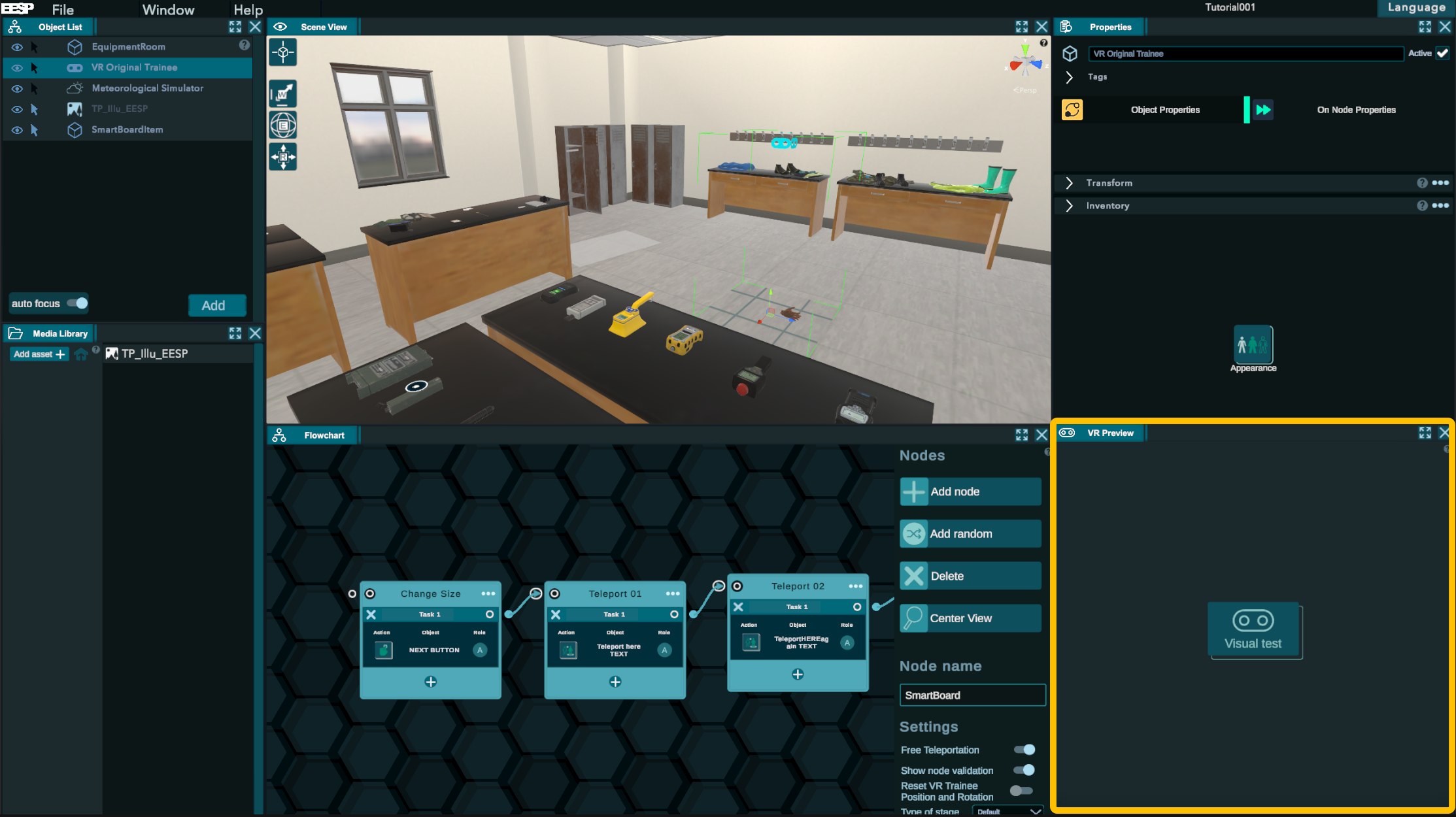
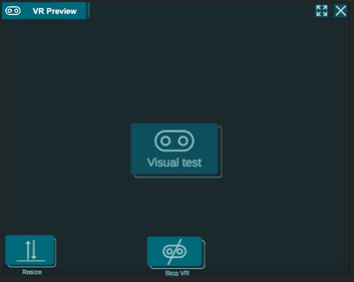
This panel enables the trainer to test the training while working on it. It's also useful for having someone test the training without having to run it from the server.
Pressing the "Visual Test" button will launch the VR, even if there is no headset connected. To stop it, press the "Stop VR" button. The "Resize" option might be useful if you feel that the avatar size doesn't match your size. There is already an automatic adjustment. When it is turned on most of the other features of the editor are disabled.